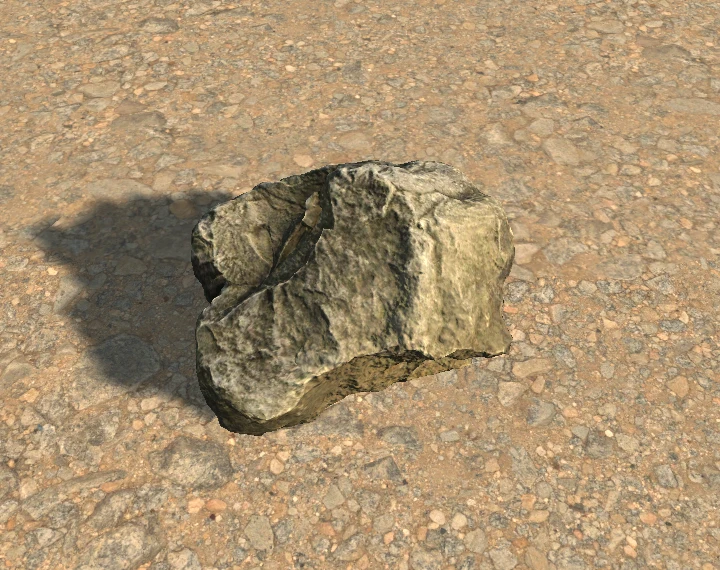
Scatter prefabs
Place one rock with a click, or brush a weighted palette of prefabs across a surface.
Scatter prefabs, paint vertex masks and sculpt meshes directly in the Scene view.
Unity 6.5 URP 17.5

Place one rock with a click, or brush a weighted palette of prefabs across a surface.
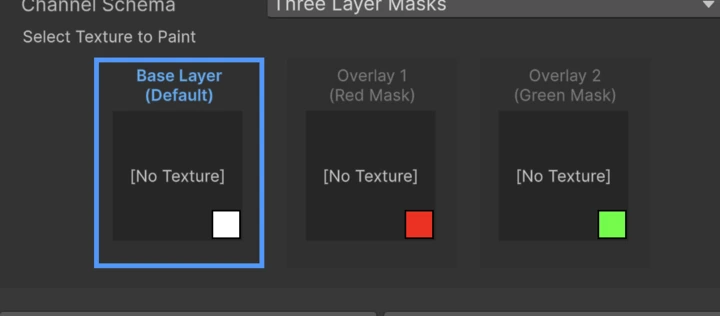
Paint RGBA vertex colors or use the red and green channels to blend three materials on one mesh.
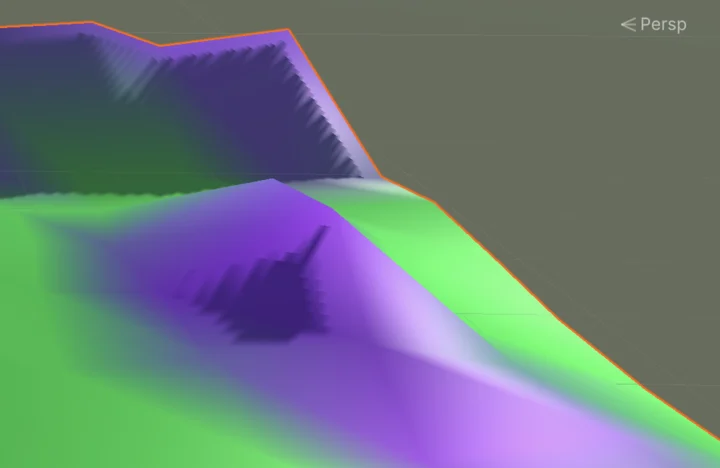
Raise a bank, smooth a ridge or flatten a patch. Painted props can follow the surface when the stroke ends.
Sculpt the ground after placing rocks and foliage. With Conform Painted Props, each painted prefab keeps its placement offset.

Two environment reels by Unity.